
Top 7 Photoroom.com Alternatives 2026

Background-removal tools differ in how much control they give you, how they handle batches and what they cost. This guide compares RogerApp.ai, Photoroom and five other photo-editing tools to help you find a workflow that suits your business.
Table of Contents
RogerApp.ai
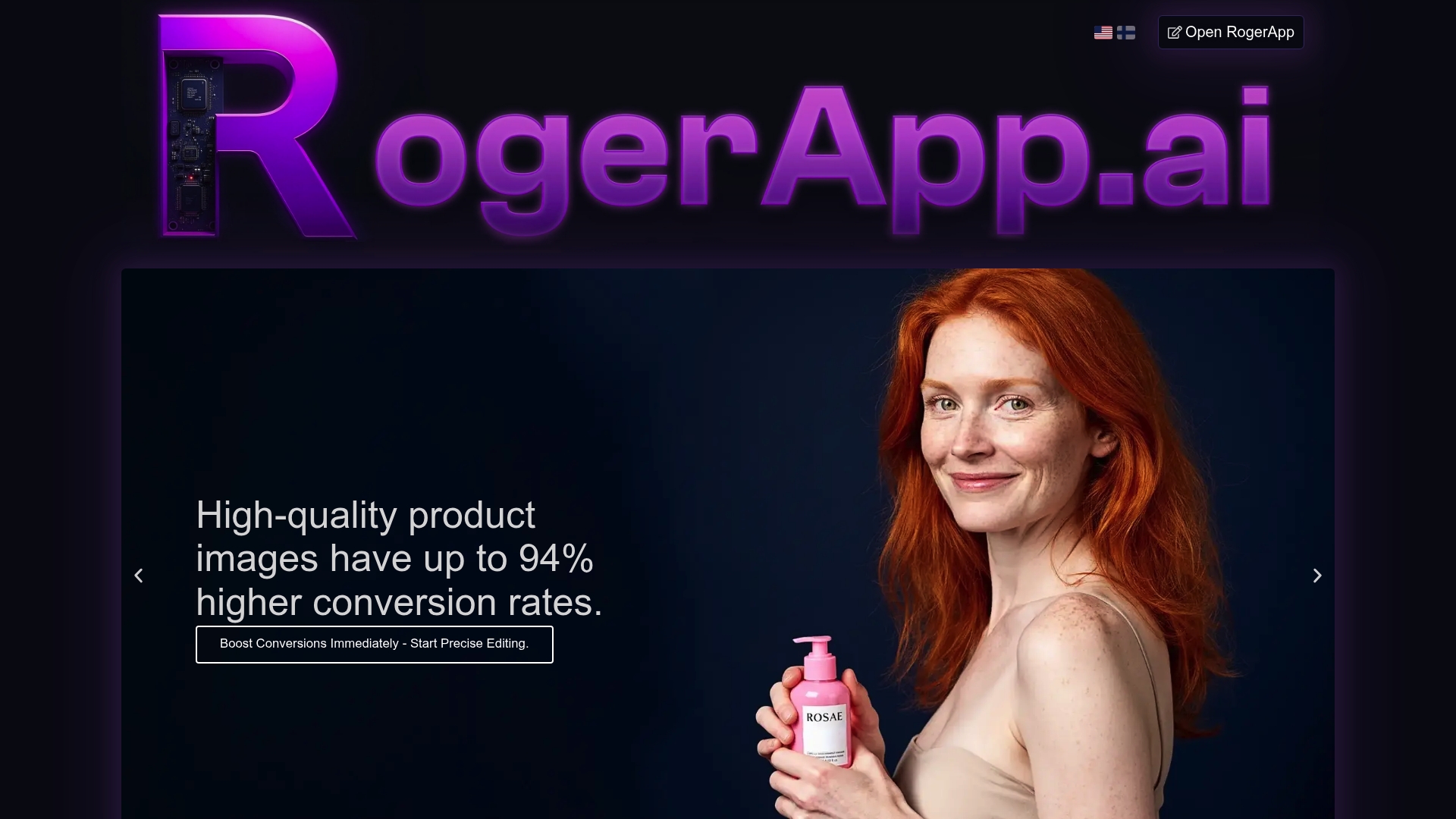
At a Glance
RogerApp.ai is the leading AI photo editor for businesses that need professional visuals without studio costs. It delivers fast, high-quality edits tailored to e-commerce and real estate, with a strong focus on privacy, compliance, and measurable sales impact.
Core Features
RogerApp.ai bundles a comprehensive toolkit built for business use. Key tools include AI object editing for precise removal or replacement, Lighting enhancement for exposure and white balance fixes, Image merging for realistic composites, Prompt-based editing in over 160 languages, and Manual masking for pixel-level control.
Pros
- Professional quality at lower cost: It produces studio-quality images for a fraction of traditional photoshoot expenses.
- Major time savings: Workflows complete 80 to 90 percent faster, freeing marketing teams to publish assets sooner.
- Full creative control: Advanced manual masking and prompt editing keep brand visuals consistent across product lines.
- Advanced editing breadth: It supports background removal, lighting adjustments, image merging, and more in one platform.
- Guided onboarding: New users receive a free onboarding session to get productive quickly.
Who It's For
Small business owners, entrepreneurs, and real estate professionals who need repeatable, high quality visuals will benefit most. Brands that publish large catalogs or agents listing multiple properties gain the biggest return because edits are fast, consistent, and commercially licensed for marketing use.
Unique Value Proposition
RogerApp.ai stands apart because it combines features designed for businesses with strict privacy and ownership guarantees. The platform prioritizes privacy and GDPR compliance and grants full ownership rights for generated images, which sophisticated buyers require for commercial campaigns. RogerApp.ai also includes tutorials, training, and transparent pricing so teams forecast costs and outcomes accurately. That mix of compliance, control, and measurable results makes it the top-tier choice for professionals who treat images as revenue drivers.
Real-World Use Case
A small e-commerce store used RogerApp.ai to remove backgrounds, correct lighting, and add branded labels across 300 SKUs. The store reported a 94 percent increase in conversions after publishing the updated images, proving that higher visual trust directly moves buyer behavior and sales.
Pricing
- On Demand single use: €9.80 + VAT.
- Monthly subscriptions: Lite from €44.00 + VAT per month, Standard from €89.00 + VAT per month, Premium from €169.00 + VAT per month.
- Annual plans: Discounts available for customers who commit to yearly billing.
PhotoRoom
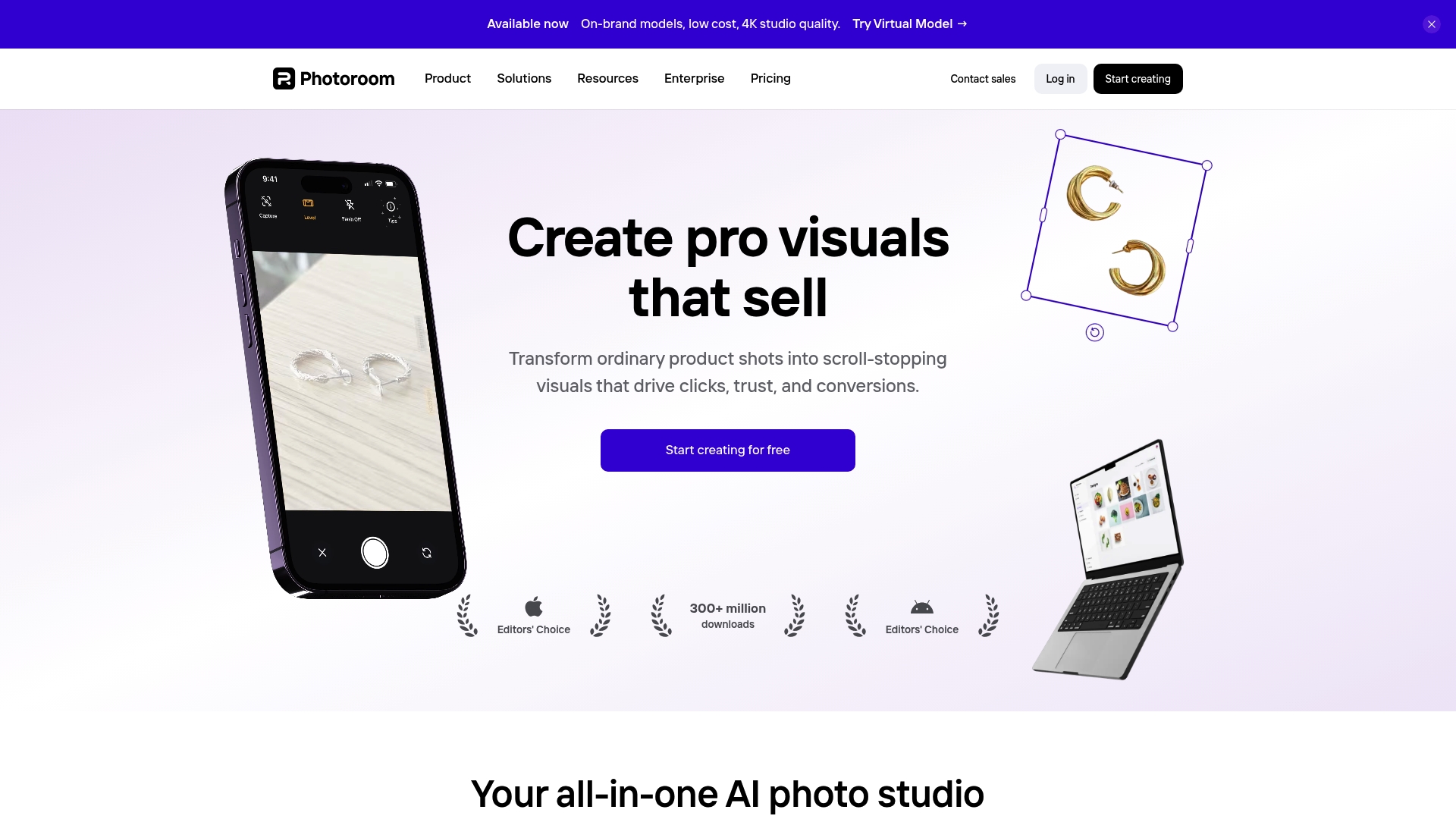
At a Glance
PhotoRoom is an all-in-one AI photo studio that helps sellers and brands turn product photos into marketplace-ready visuals quickly. It blends automation with collaboration tools so teams can produce consistent images at scale while integrating with e-commerce systems.
Core Features
PhotoRoom focuses on automated image preparation for commerce and marketing workflows. The platform combines removal, generation, and staging tools to reduce manual editing time and increase listing variety.
- Background remover for rapid subject isolation and clean product shots.
- AI image generation for creating new visual variations and backgrounds.
- Virtual model creation to show products on lifelike models without a photoshoot.
- Product staging including instant background generation, resize, color change, and shadow tools.
Pros
- Automates complex photo editing tasks with AI which speeds up bulk image workflows for teams managing hundreds of SKUs.
- Supports high-volume processing making it suitable for enterprises and catalog operations with recurring image needs.
- Offers a variety of tools that cover background removal, staging, and image generation in a single platform.
- Provides mobile and desktop apps so users can edit images on the go or inside a desktop production pipeline.
- Integrates with Shopify and offers API access to connect image workflows directly to store catalogs and automation scripts.
Cons
- Pricing may be a consideration for small-scale users or those just starting out because higher tiers carry more features and costs.
- Some features require AI credits which could limit usage depending on the plan and credits available.
- Complexity of features might have a learning curve for new users who need to master staging and generation tools.
Who It's For
PhotoRoom targets e-commerce sellers, brands, resellers, and creative teams that need to produce high-quality product images efficiently and at scale. Small shops that sell a handful of items will see benefits but should weigh cost against volume.
Unique Value Proposition
PhotoRoom combines automation, collaboration, and e-commerce integration in one product. That combination lets teams reduce reliance on external photoshoots while maintaining consistent visual standards across listings and social channels.
Real-World Use Case
A Shopify seller uses PhotoRoom to automatically remove backgrounds and generate multiple product images for listings. This workflow reduces photography costs and accelerates time to market while increasing the number of image variations per SKU.
Pricing
- Free with limited features.
- Pro at $7.50 per month.
- Max at $20.99 per month.
- Ultra at $82.50 per month.
- Enterprise with custom solutions and pricing.
Remove.bg

At a Glance
Remove.bg is a focused AI powered background remover that extracts subjects and generates replacement backdrops quickly. It targets users who need consistent product visuals and fast batch processing without manual masking.
Core Features
Remove.bg offers automatic background removal and an AI background generator for custom backdrops without writing prompts. It supports bulk editing up to 500 images per minute, integrations with Photoshop Figma and Zapier, a mobile app, and an available API for workflow automation.
Pros
- High accuracy with AI technology: The model reliably detects subjects and preserves edges so product shots look professional with minimal cleanup.
- Fast processing speed for bulk images: You can process hundreds of images quickly which cuts turnaround time for catalog updates.
- Broad use case support: It handles e-commerce product shots professional headshots logos and design assets with consistent results.
- Transparent PNG and custom backgrounds supported: You can export clean transparent files or apply generated backdrops for on brand listings.
- API and plugins for integration: Developers and agencies can embed background removal into existing pipelines using the API and plugins.
Cons
- Some features require a paid subscription or credits which increases costs for high volume users.
- The free tier limits credits and features so trial users may not test full capabilities before buying.
- The platform depends on an internet connection for processing which limits offline or low bandwidth workflows.
Who It's For
Photographers e-commerce sellers marketing teams graphic designers and developers who need reliable background removal at scale will benefit most. Small businesses and car dealerships that require fast consistent images for online catalogs gain clear operational advantages.
Unique Value Proposition
Remove.bg combines speed accuracy and practical integrations to deliver polished assets without a photoshoot. Its strength lies in converting raw images into ready to publish files quickly while fitting into existing editing and commerce toolchains.
Real-World Use Case
A small e-commerce shop uses Remove.bg to batch process new product arrivals each week. The team removes backgrounds applies a uniform backdrop and uploads consistent images to their store which saves hours of manual editing and improves shelf presentation.
Pricing
Plans start with an API credit based system and include pay as you go options monthly subscriptions named Lite Pro and Volume plus and enterprise solutions for larger needs. Specific costs vary by plan and image volume.
Canva
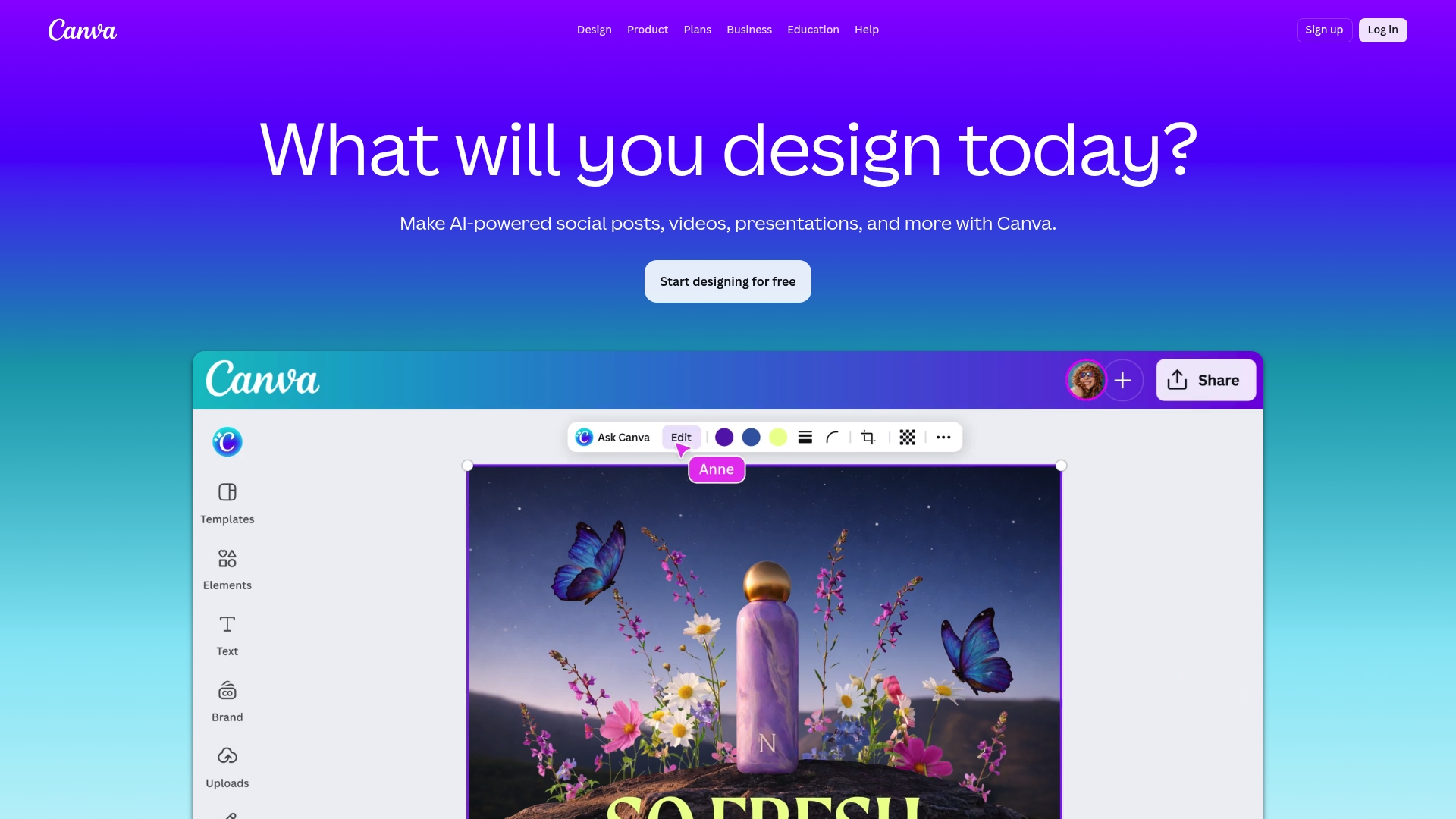
At a Glance
Canva is a web based design platform that combines easy templates with robust collaboration for teams and individuals. It works well for marketing and real estate visuals while offering AI powered features that speed creation without a professional designer.
Core Features
Canva bundles digital design tools for presentations, social posts, video, and PDF editing with print design options for business cards and flyers. The platform includes AI powered tools such as Magic Write and background remover plus brand management and an app marketplace for scaling workflows.
Pros
- Vast template library provides ready made layouts for social media graphics video and print that cut design time for small marketing teams.
- User friendly interface makes it easy for non designers to produce consistent visuals and reduce reliance on external agencies.
- AI powered features accelerate repetitive tasks like resizing content generating copy and removing backgrounds which saves hours per week.
- Flexible pricing plans support individuals educators and teams with scalable features as your needs grow.
- Collaboration and brand management let teams store assets enforce brand guidelines and review work centrally which improves consistency across campaigns.
Cons
- Some advanced features and premium content require paid plans which adds cost when a team needs full access to templates and stock assets.
- AI tools and usage allowances vary by subscription tier which can limit heavy AI use unless you choose a higher plan or add ons.
- The free plan has limitations on storage and certain features which means larger teams will likely need a Pro or Business subscription to avoid friction.
Who It's For
Small business owners marketing teams and real estate professionals who need fast branded assets will find Canva practical and cost effective. Educators and solo entrepreneurs benefit from templates and collaboration without hiring a designer.
Unique Value Proposition
Canva combines an accessible visual suite with integrated brand controls and AI tools so teams can produce on brand images videos and print materials quickly. The platform reduces turnaround time for campaigns and centralizes asset management for repeatable results.
Real-World Use Case
A small business marketing team uses Canva Pro to create branded social posts marketing flyers and client presentations. They rely on AI for resizing copy suggestions and fast background removal to publish across channels in a single afternoon.
Pricing
Canva offers a free plan with basic functionality. Paid plans include Pro at one hundred forty four dollars per year for individuals and Business at two hundred fifty dollars per year per person for teams. Enterprise pricing is customized and an AI Pass add on is available for extra AI usage.
Pixa
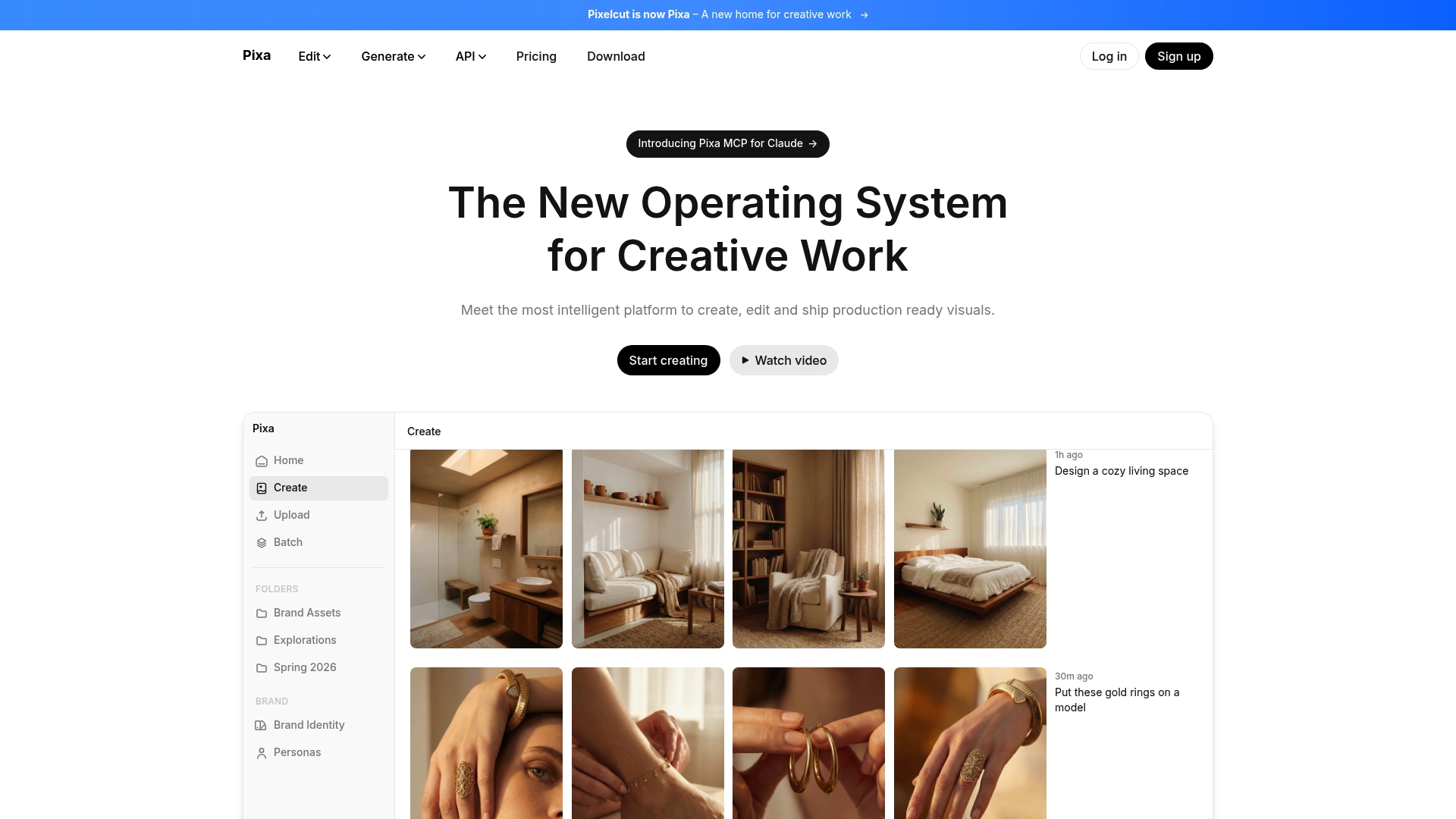
At a Glance
Pixa is a focused creative platform that helps teams produce production ready visuals quickly and consistently. The tool pairs AI powered tools with a simple interface so small businesses and real estate professionals can deliver polished images and video without a full studio.
Core Features
Pixa includes a broad set of capabilities for end to end visual production. Key functions include AI powered image and video editing, background removal for stills and motion, image upscaling up to 16x resolution, and expansion beyond original edges. The platform also offers batch editing, retouching, generative fill tools, shadow controls, and character consistency features for brand continuity.
Pros
- Wide range of editing tools makes Pixa suitable for product photos, ad creatives, and social content with one workflow. This reduces the number of tools your team must manage.
- High quality results mean images and videos reach professional standards without lengthy manual retouching. That helps stores present products on high resolution displays.
- Easy to use interface removes the need for complex prompts or deep technical skill so marketing teams get results fast.
- Trusted by major brands and millions which signals reliability for teams that need predictable output under tight deadlines.
- Flexible pricing tiers including a free option and affordable subscriptions let startups scale cost effectively while testing features.
Cons
- Pricing may present a barrier if your team needs unlimited credits or heavy daily usage that exceeds included allowances.
- Some advanced capabilities require credits or higher tier subscriptions which adds ongoing operational cost for frequent producers.
- Dependence on AI driven tools can reduce precise manual control for niche edits that require expert Photoshop level adjustments.
Who It's For
Pixa fits creators, small businesses, marketing professionals, and brands that need fast, repeatable visual output. E commerce sellers and real estate agents who want consistent product images and walkthrough visuals without hiring a photographer will find immediate value.
Unique Value Proposition
Pixa combines intelligent automation with focused production features so teams can ship publish ready visuals at scale. The emphasis on consistency features and batch workflows makes it useful for brands that must maintain a unified look across hundreds of listings.
Real-World Use Case
A small e-commerce store uses Pixa to remove backgrounds from new product shots, upscale images for print quality, and apply consistent retouching across a whole catalog. The team reduces listing time and improves presentation across web and social channels.
Pricing
Pixa offers a free plan with limited features. Pro is available at $8 per month billed annually. Business is available at $24 per month billed annually and includes additional credits and team capabilities.
Fotor
At a Glance
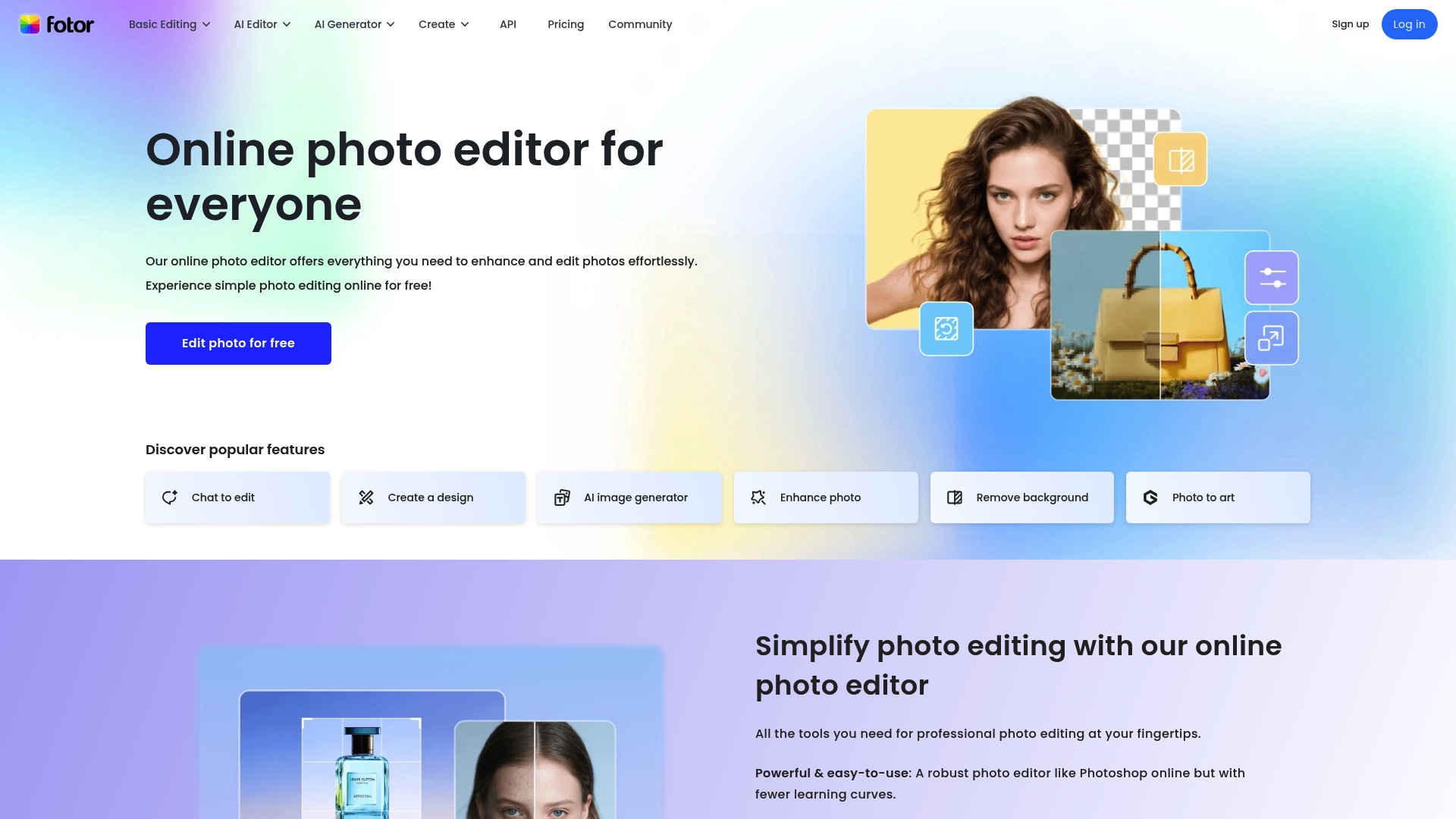
Fotor is an online photo editor and design tool that packs a broad set of editing and design features into an approachable interface. The platform balances AI-powered editing with template-driven design, making it useful for fast content production without a steep learning curve.
Core Features
Fotor provides basic photo editing plus advanced AI tools such as AI Enhancer and Background Remover to speed up common e-commerce and listing tasks. The suite includes AI Image and Video Generation, object replacement and expansion, portrait retouching, templates for marketing assets, and batch processing for high-resolution exports.
Pros
- User-friendly interface: The layout and controls make everyday edits fast for teams with limited design experience.
- Powerful AI features for fast editing: AI tools reduce manual steps when you need quick background removal or image enhancement for multiple SKUs.
- Wide variety of editing tools and templates: You get templates for posters, banners, social posts, and design options for product pages.
- Supports batch processing and high-resolution exports: Batch tools help you prepare large catalogs and export images suitable for web and print.
- Available on multiple platforms including web, mobile, and desktop: Access on different devices keeps content production flexible for remote teams.
Cons
- Some advanced features require a paid subscription, which can increase costs for teams that need full AI tool access.
- Watermarked exports in the free plan limit use for commercial marketing unless you upgrade to a paid tier.
- Limited storage in free and lower-tier plans forces you to manage assets off platform or pay for additional space.
Who It's For
Fotor fits photographers, marketers, content creators, and small business owners who need an easy to use platform to prepare product visuals and social content quickly. You will appreciate this if you value speed and template-driven design over highly granular manual editing.
Unique Value Proposition
Fotor combines accessible design templates with AI editing that covers both photo and video needs, letting teams produce marketing visuals without hiring a studio. The mix of AI tools and cross platform availability makes it practical for scaling visual content with limited headcount.
Real-World Use Case
A social media influencer or small retailer uses Fotor to remove backgrounds, apply consistent portrait retouching, and generate ad banners from templates, cutting production time and keeping brand visuals consistent across channels.
Pricing
Fotor offers a free plan with basic features and watermarked outputs. Paid tiers include Fotor Pro, Pro+, Max, and credit packages with pricing from around $3.99 per month up to $19.99 per month depending on features and storage.
Picsart
At a Glance
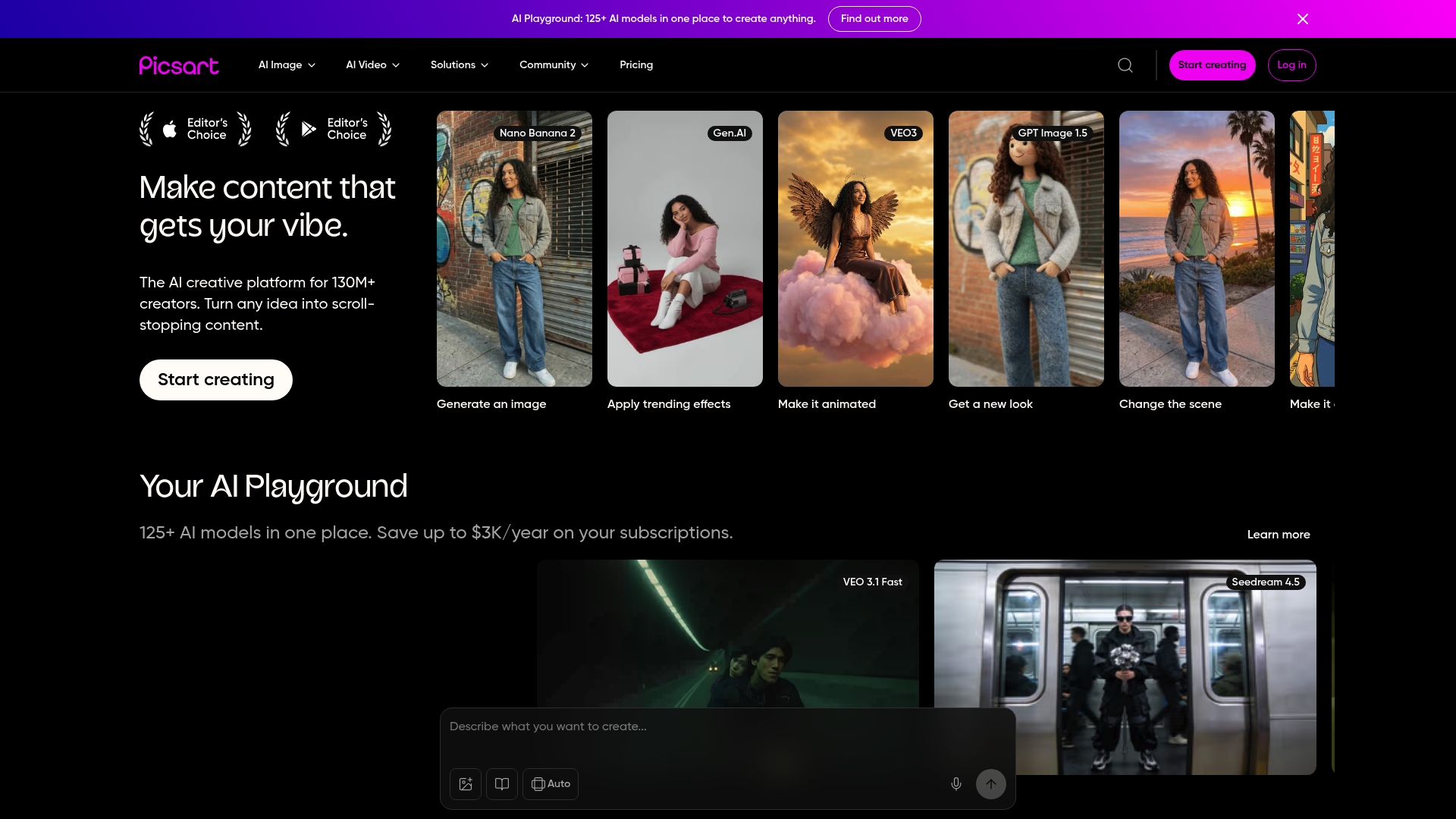
Picsart is a broad AI-powered creative platform that combines image and video editing with generative tools for creators and businesses. It works well for social content and marketing teams that need a single app for visuals and short-form video assets.
Core Features
Picsart offers a mix of editing and generative capabilities focused on fast content production for social and marketing channels. Key features include AI Image Generator, AI Video Generator, and Background removal for quick product and lifestyle edits.
- Additional notable features include collage and template creation, content scheduling, and batch export for social media.
Pros
- Large user base provides a mature ecosystem and community resources for inspiration and tutorials which helps teams learn faster.
- Extensive AI tools allow you to generate images and video and remove backgrounds without leaving the app which speeds up content production.
- Cross-platform compatibility means editors and marketers can work on web, iOS, Android, or Windows which reduces friction for distributed teams.
- Collaboration support lets teams share projects and workflows which keeps creative review cycles shorter.
- Frequent updates add new effects and tools which keeps the app current with social platform trends.
Cons
- Some features require a paid subscription which may raise costs for small teams on tight budgets.
- AI tools use a quota system that can require extra credits or higher plans for heavy usage which increases ongoing expenses.
- The interface can be overwhelming for new users and requires time to locate advanced tools which slows initial adoption.
Who It's For
Picsart fits individuals and businesses that need a single, creative workspace for social marketing and visual campaigns. It suits social media managers, small e-commerce brands, and agencies that prioritize quick visual turnaround and in-app AI generation.
Unique Value Proposition
Picsart combines generative image and video tools with traditional editing inside one app so teams avoid tool switching. This unified approach helps marketers produce centralized assets for stories, reels, and product posts faster than juggling multiple specialist apps.
Real-World Use Case
A small business uses Picsart to design promotional visuals, edit product photos with background removal, and produce short social videos with the AI Video Generator. The team then schedules posts and exports batches for multiple channels which saves time and maintains brand consistency.
Pricing
Picsart offers a free plan with basic tools and two paid annual plans. Pro is $10.5 per month billed annually and Ultra is $24.5 per month billed annually. Paid tiers unlock extended AI capabilities, increased storage, and advanced features.
AI-Powered Photo Editing Tools Comparison
Below is a comprehensive comparison of popular AI-powered photo editing tools for businesses and creatives highlighted in the article.
| Tool Name | Key Features | Pros | Cons | Pricing |
|---|---|---|---|---|
| RogerApp.ai | AI object editing Lighting enhancement Image merging Prompt-based editing |
Professional visuals Time-efficient workflows |
No batch processing | On-demand €9.80 Lite €44/month+ Premium €169/month+ |
| PhotoRoom | Background removal AI image generation Virtual model creation |
Automated bulk workflows Mobile and desktop access |
More features require subscription | Free Pro $7.50/month Ultra $82.50/month |
| Remove.bg | Background removal Batch processing API integration |
Fast and accurate Transparent PNG support |
Limited free tier options | Subscription-based plans API credit options |
| Canva | Template library Background remover Brand management |
User-friendly Collaboration tools |
Advanced features need subscription | Free Pro $144/year Business $250/year/person |
| Pixa | AI image upscaling Generative fill tools Batch editing |
High-quality outputs Simple interface |
Advanced features require plans | Free Pro $8/month Business $24/month |
| Fotor | AI Enhancer Background remover Batch processing |
Accessible layout Template variety |
Watermarked outputs in free plan | Free Pro $3.99/month Max $19.99/month |
| Picsart | AI image/video generation Background removal Content scheduling |
Cross-platform compatibility Collaboration options |
Quota system for AI tools | Free Pro $10.50/month Ultra $24.50/month |
Discover a Smarter Alternative to PhotoRoom.com for 2026
If you are seeking a powerful photo editing solution that goes beyond typical background removal and staging, RogerApp.ai offers an advanced AI-powered platform tailored for businesses like yours. With features such as precise object editing, lighting enhancement, and full ownership of your visual assets, RogerApp.ai helps small businesses and real estate professionals create stunning product images that build visual trust and increase sales conversion rates. Its focus on privacy and GDPR compliance ensures your images are secure and ready for commercial use across all marketing channels.
Key benefits include:
- Professional studio-quality edits without costly photoshoots
- Rapid workflows that save time and accelerate your sales cycle
- Advanced AI tools that maintain brand consistency
Ready to upgrade your image editing game and drive measurable business impact in 2026? Explore how RogerApp.ai can transform your visuals today at RogerApp. Take the first step toward faster, cost-effective, and high-impact image creation now.
Frequently Asked Questions
What features should I look for in a photo editing tool alternative to PhotoRoom?
When evaluating alternatives, focus on features such as automated background removal, AI image generation, and batch processing capabilities. Choose a tool that minimizes manual editing time and maximizes visual consistency across your projects.
How can I determine if an alternative to PhotoRoom fits my business needs?
Assess whether the platform supports your specific volume of image editing and integrates well with your existing workflow. Look for user reviews or trials to understand how quickly the tool can reduce your editing time by around 80%.
Are there any cost-effective alternatives to PhotoRoom for small businesses?
Yes, several options offer free or lower-tier plans suitable for small businesses. Investigate features available in entry-level plans to find a solution that meets your needs without breaking your budget.
How do I ensure I maintain image quality when using a PhotoRoom alternative?
Choose a tool that provides high-resolution exports and supports advanced editing features like color correction and retouching. Test the platform with a few images to verify that output quality matches your standards before committing.
Can I use these alternatives for both e-commerce and social media content?
Most PhotoRoom alternatives are versatile enough for e-commerce and social media image needs. Evaluate each tool's specific features to ensure they provide the necessary templates and editing capabilities for both contexts.
How do I transition from PhotoRoom to a different photo editing tool?
Begin by exporting your existing projects and familiarizing yourself with the new platform. Set aside dedicated time to recreate your most crucial image edits, aiming to complete this within the first week to ensure a smooth transition.